Robot dog — 3D scanner
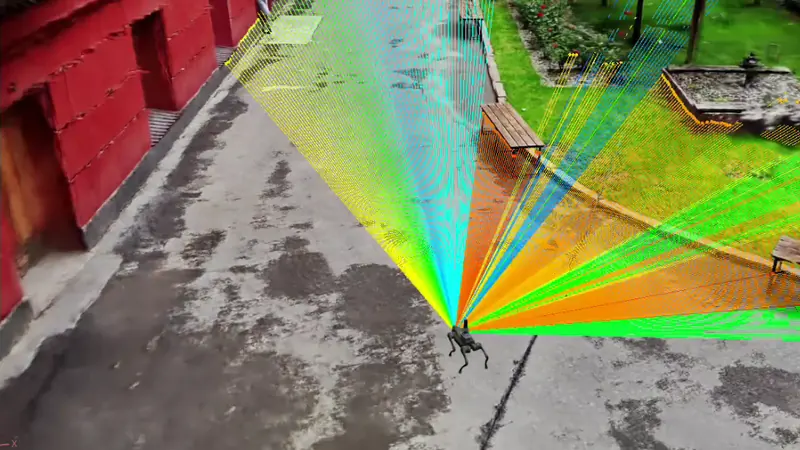
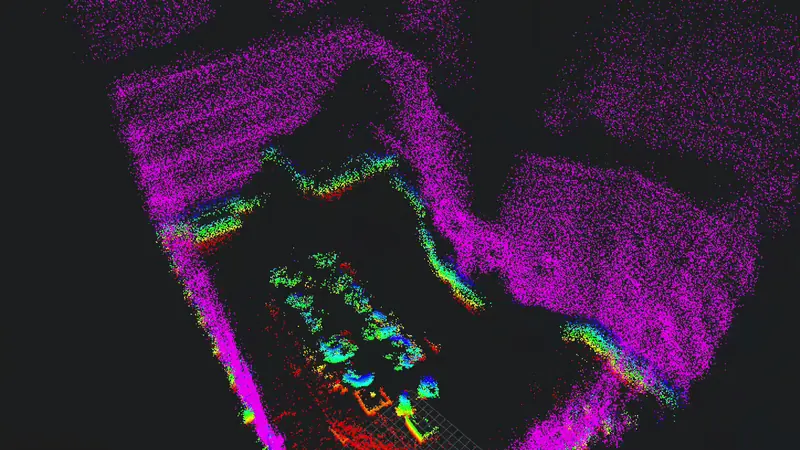
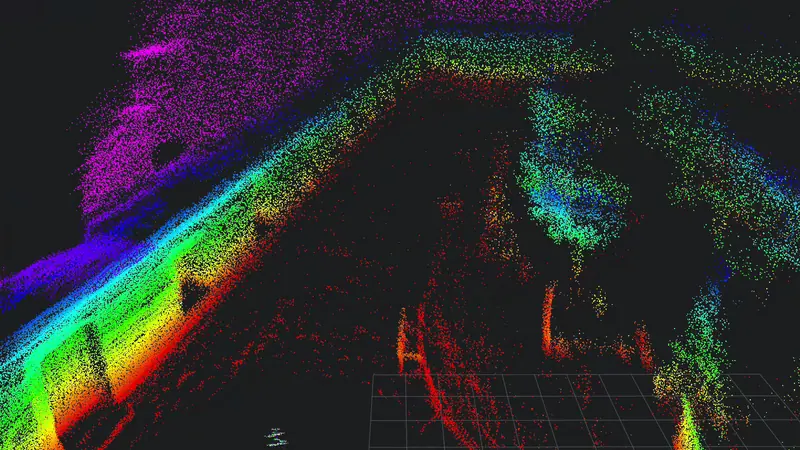
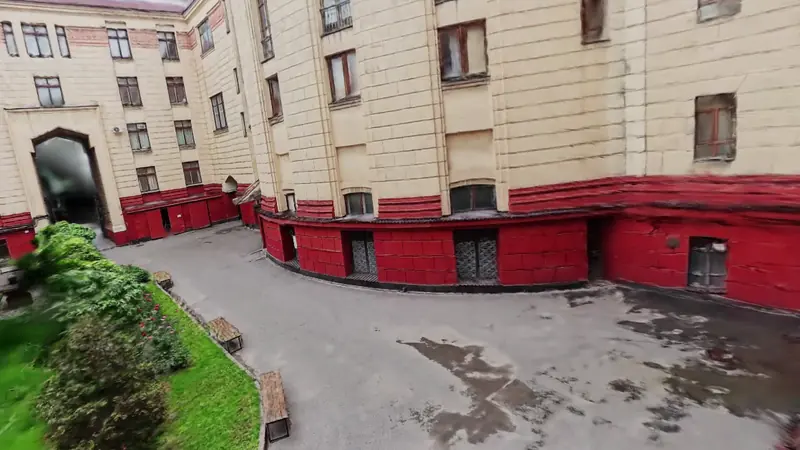
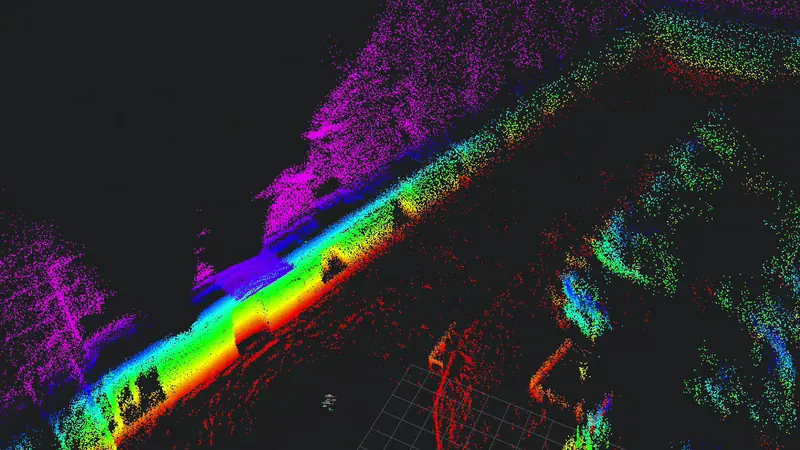
The KBTU building has been scanned into a 3D model (Gaussian Splatting). In NVIDIA Isaac Sim, a Unitree Go2 with a lidar and two cameras walks through it, and the point cloud in RViz mirrors the real building.
KBTU building in 3D
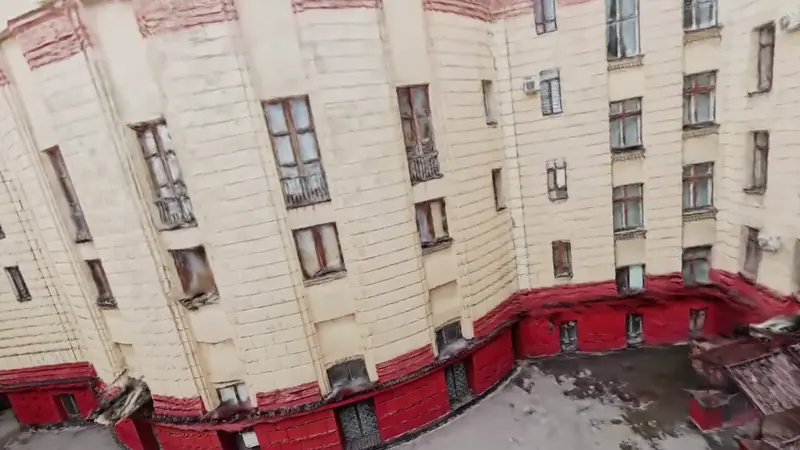
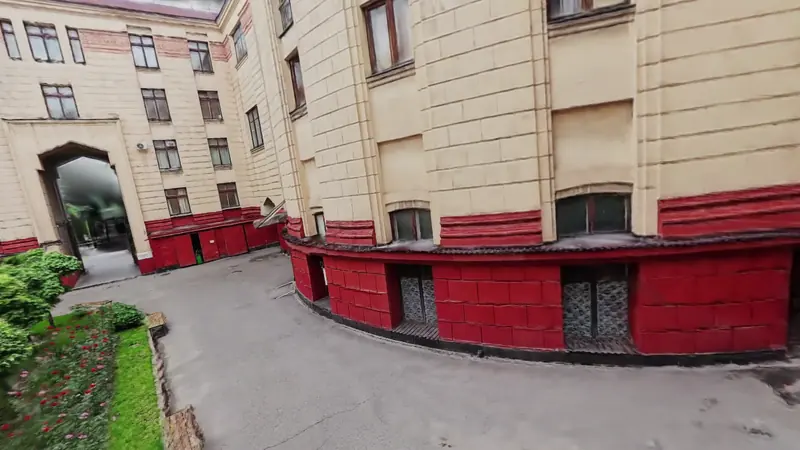
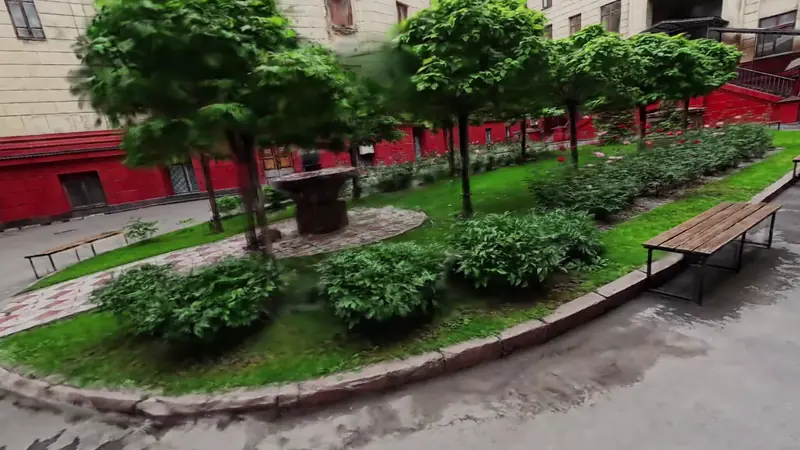
The scene is described by millions of small, semi-transparent coloured ‘blobs’ — Gaussians. Together they produce a photorealistic image: windows, the red plinth, a flower bed, benches and even puddles. The model can be rotated with a mouse or a finger.

about 350 MB · best over Wi-Fi · SuperSplat viewer
3D scan ‘gs’ by suunmiu (SuperSplat), licence CC BY 4.0.
From scan to robot — four steps
Real location → digital copy → robot in the simulator → sensor data. The robot can be trained and tested in a copy of the site without risk to the real machine.
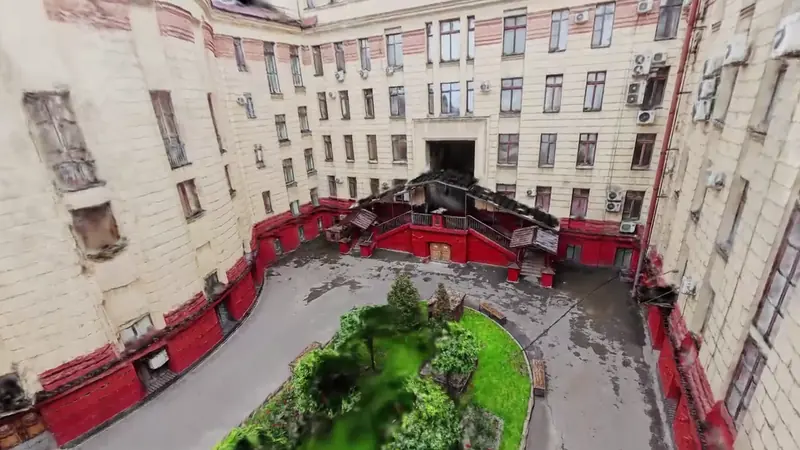
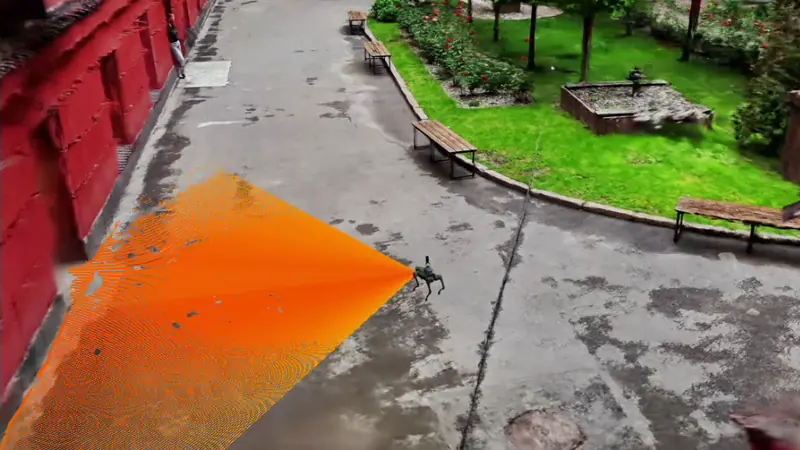
world_lidar.usda; the walls for physics are a voxel collider.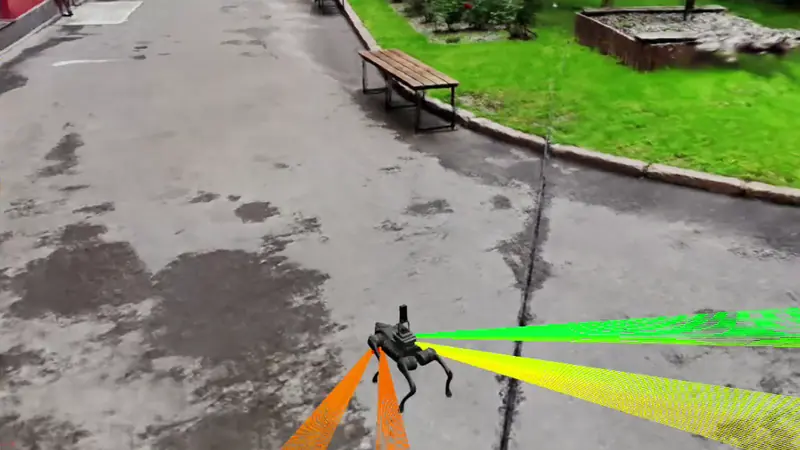
Drive the dog right in your browser
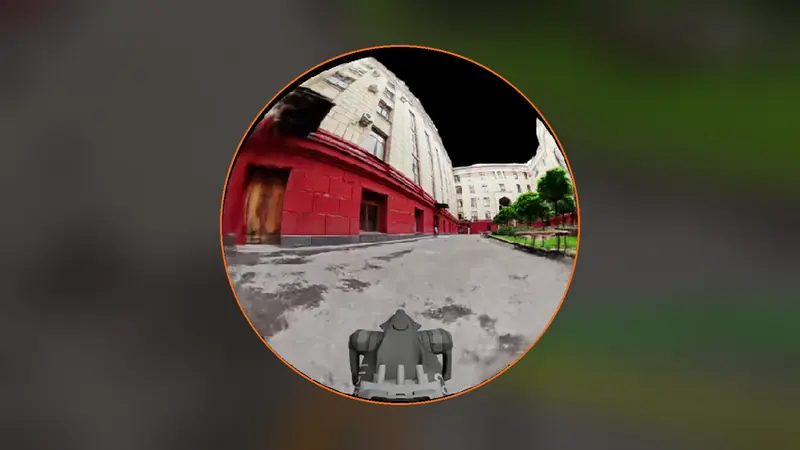
Browser version of the simulator: the robot, lidar and point cloud behave as in Isaac Sim, while the site’s geometry is lightened so everything runs even on weak devices. The keys are the same as in the real control script. On the right: the ‘RViz’ window (point colour = height) and the robot’s camera.
What’s on the dog
The robot’s equipment in the simulation. Specifications as published by the manufacturers.
Unitree Go2
- 70 × 31 × 40 cm standing
- about 15 kg with battery
- 12 joints — 3 per leg
- in the Isaac Sim scene: object
go2
Livox Mid-360
- 360° horizontal, −7°…52° vertical
- 40 m at 10% reflectivity
- 200,000 points per second
- 265 g, non-repetitive scanning pattern
Insta360 × 2
- circular fisheye frames
- front and rear — all-round view
What the robot publishes to ROS 2
Each sensor is a separate topic. In RViz the cloud is coloured by height from 0 to 6 m: red at ground level → purple at the top of the walls; points fade after 2 s.
| Stream | What it carries |
|---|---|
| Lidar | Mid-360 lidar point cloud |
| Front camera | front camera frame |
| Rear camera | rear camera frame |
| Pose | pose of the robot and its parts |
| Time | simulation time |
World
├─ go2                Unitree Go2 robot
├─ world_lidar │ ├─ GaussianSplat    3D scan of the site
│  ├─ PhysicsScene     physics
│  ├─ GroundCollider   ground
│  ├─ VoxelCollider    walls for physics
│  ├─ Sun · Sky        light and sky
└─ ROS2SensorsGraph    sensor bridge to ROS 2
Gallery
Stills from the 3D scan, Isaac Sim and RViz. Click to enlarge.