CANIS AUTONOMAAutonomous patrol of sites by a four-legged robot
The robot dog patrols a site on its own — a park, airport, campus or warehouse — following set waypoints, steering around people and sending the operator its camera feed and map straight to the browser. The first field test was held on the KBTU campus: a route of 36 waypoints.
What we do and why
Guarding a large area means hours of monotonous rounds. We are teaching a four-legged robot to do the rounds itself, leaving the human to decide: to watch, to speak and to step in when needed.
A robot that patrols a site on its own
- Maps a new area and remembers it.
- Follows a route of waypoints without an operator, by day and among people.
- Streams video and map position to an ordinary browser.
- Lets a human take over control, speak and play sounds.
The first field test on a real site
- A 3D model of our wheel-legged robot and its manoeuvres on a demo course.
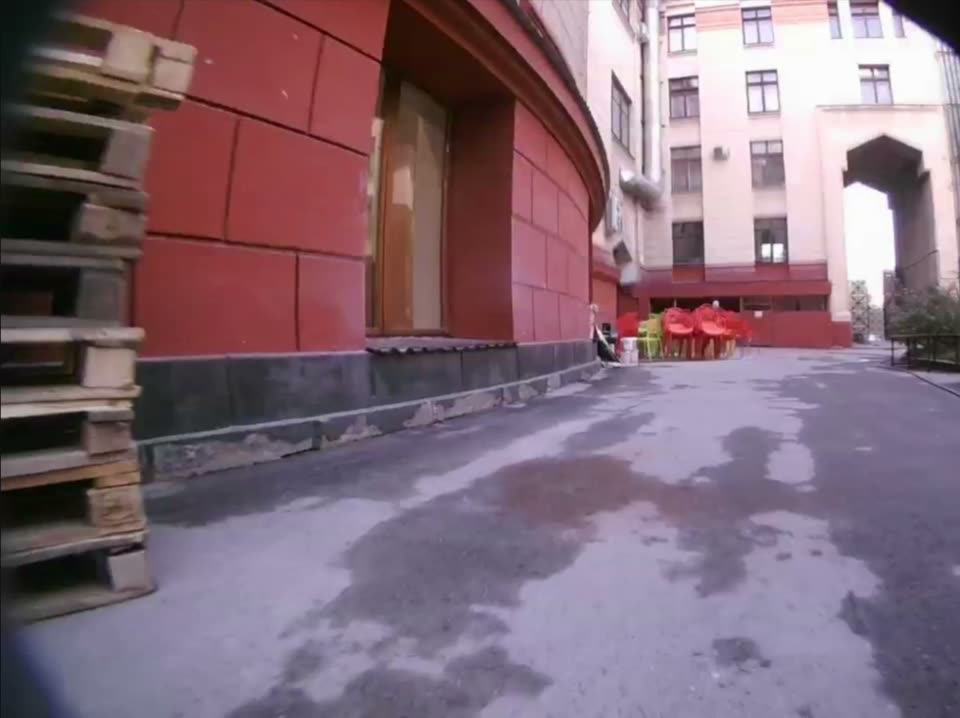
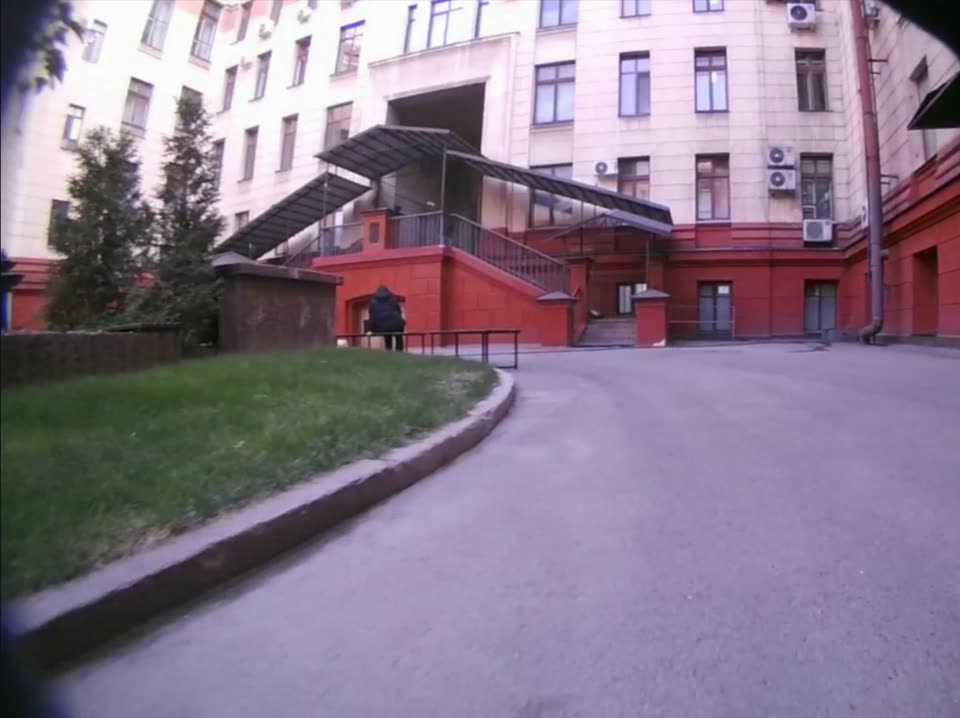
- A tour of site no. 1, the KBTU campus, along a route of 36 waypoints.
- How the operator panel works.
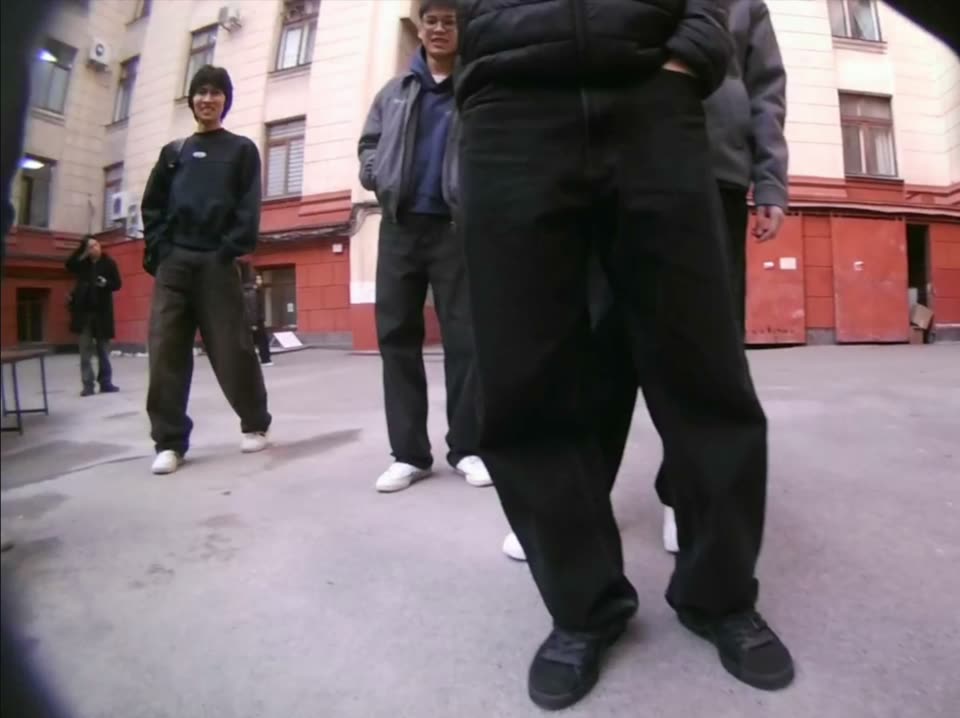
- How the robot behaves among people and how the operator takes over control.
Parks and squares
Night patrols of paths and playgrounds, voice warning through the speaker.
application ideaAirports
Perimeter, aprons, service areas: a repeatable route and live video for the duty officer.
application ideaCampuses and universities
Grounds between buildings, walkways, entrances. Our first test took place here.
tested · KBTUWarehouses and industrial zones
Long aisles between racks and hangars, where guards struggle to cover everything on foot.
application ideaStations and shopping centres
Crowded places: the robot slows down near people, and the operator can address them by voice.
application ideaCar parks and building sites
Night monitoring of large open areas along a fixed route.
application ideaWheels on legs: manoeuvres on the course
Our dog is wheel-legged: on flat ground it drives on wheels, while the legs hold the body, climb steps and perform tricks. On the 3D course it performs six manoeuvres, from slalom to backflip. Rotate the camera with a mouse or finger.
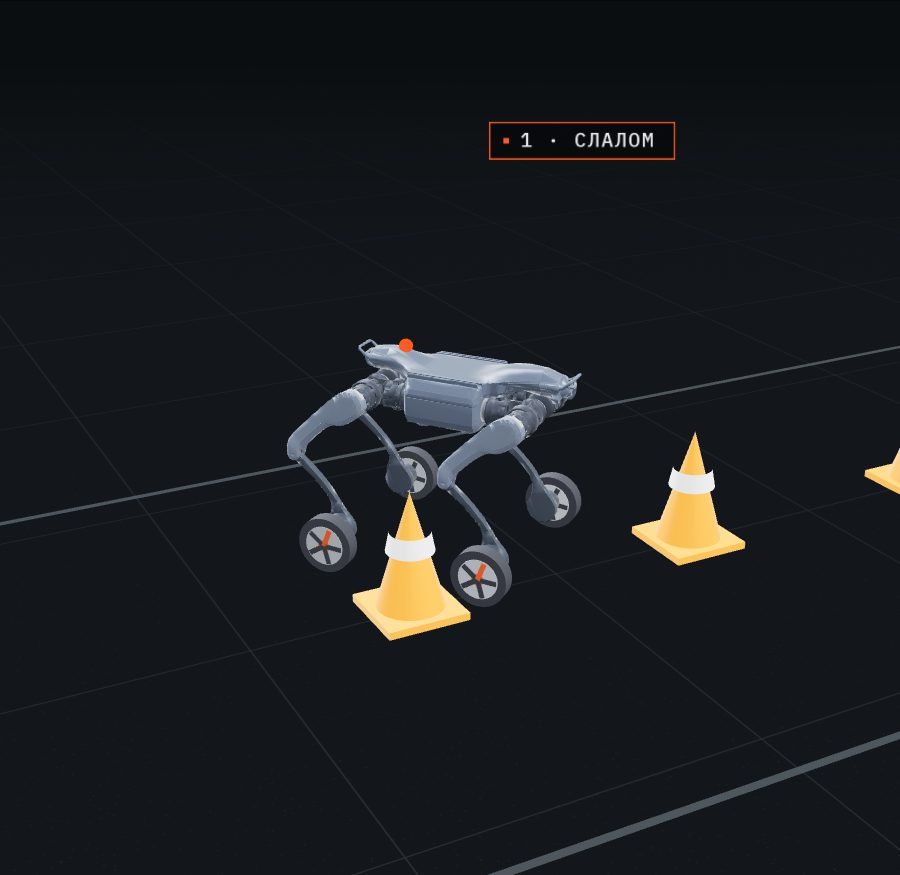
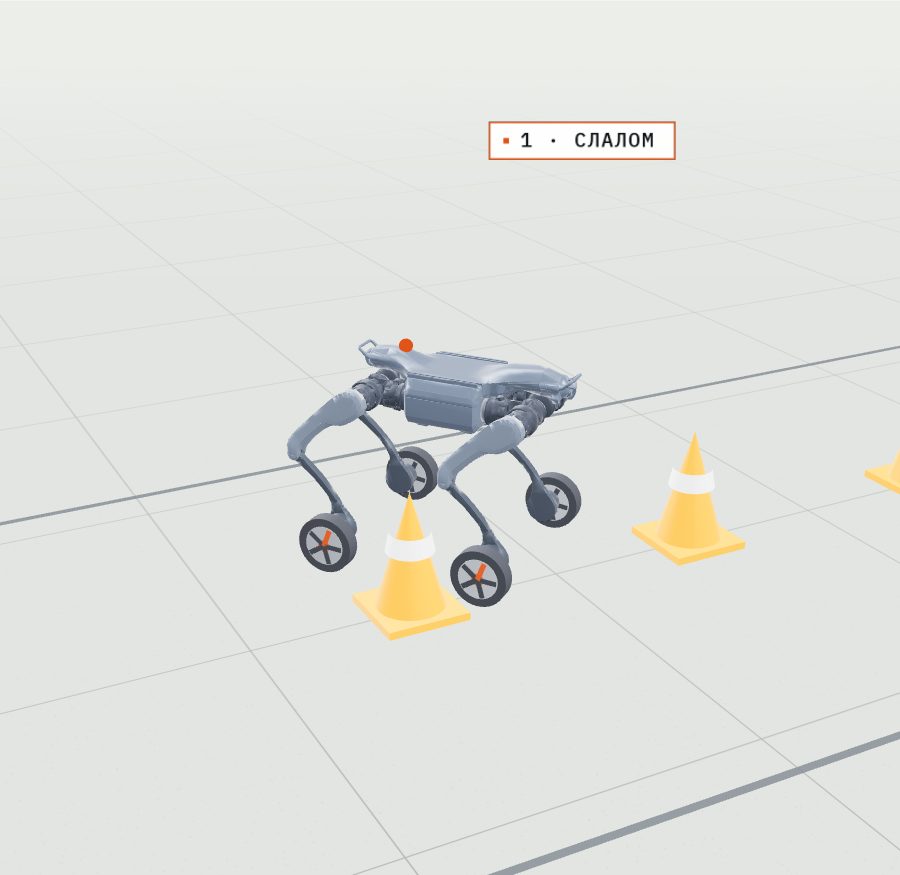
This is a 3D animation for illustration, not a recording of the robot. The body and legs are our A2 model; the Ø18 cm wheels were added on the site; the beacon on the back is decorative and is not on the robot.
A tour of the KBTU campus in just over a minute
On the left, the operator's screen recording sped up ×6. On the right, the site map the robot built itself: the robot's dot moves in sync with the video. Click any route waypoint to jump to that moment.
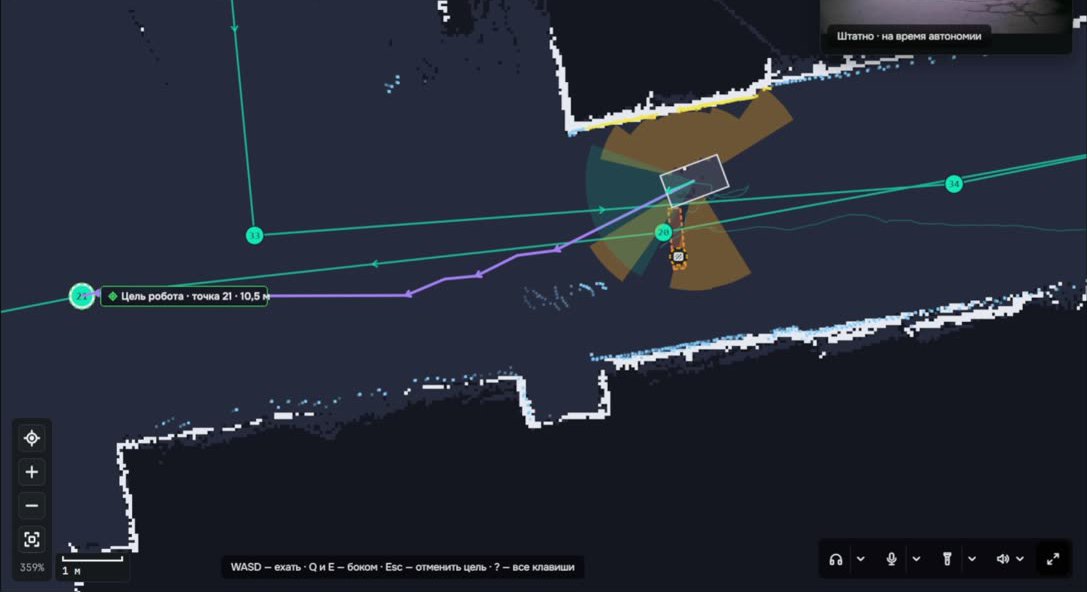
The recording is sped up ×6 and shortened; it starts at the 54th second of the mission (points 1–3 already passed). The robot's position on the map follows the progress bar in the panel and is approximate between waypoints. The map is a screenshot from the panel, scaled by its ruler.
All control — in an ordinary browser
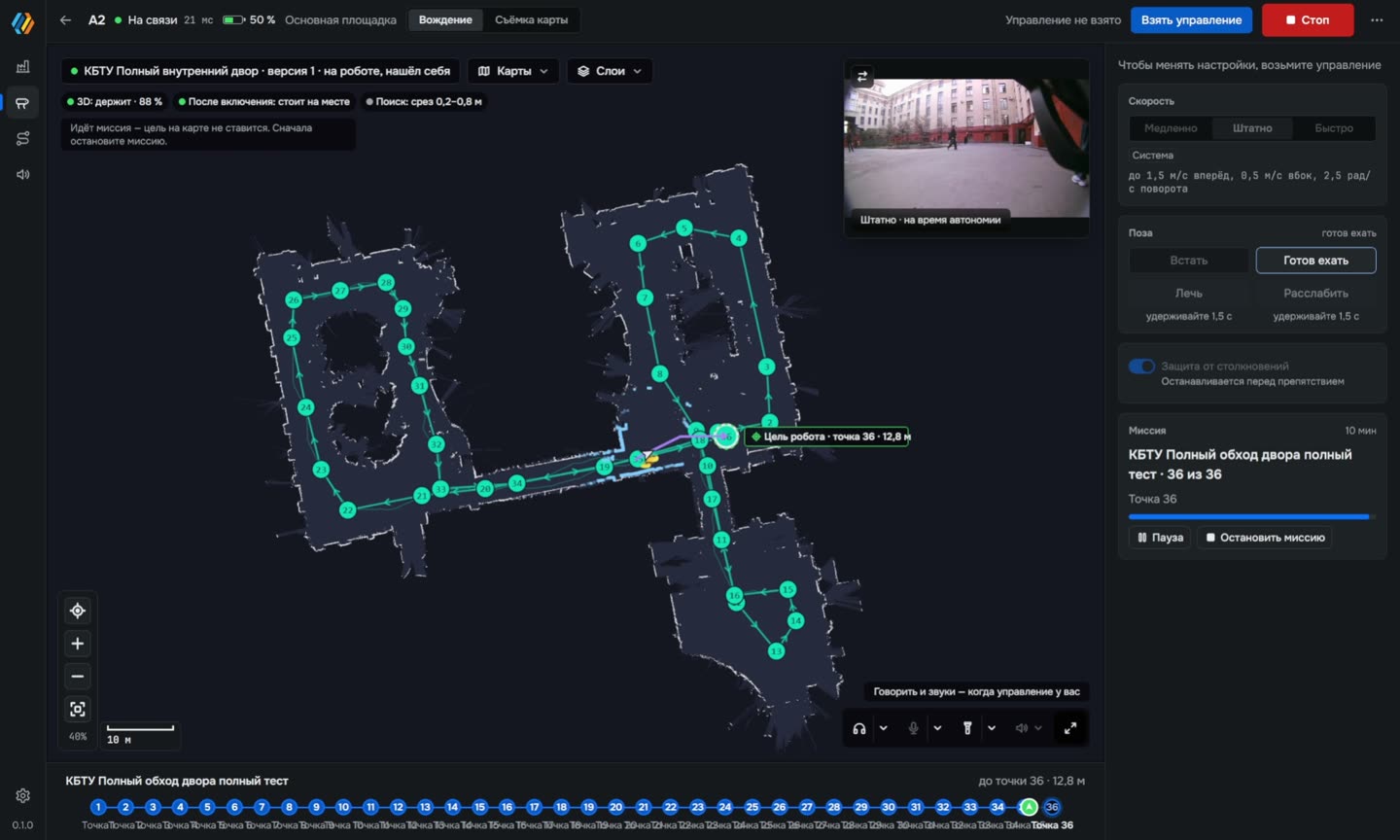
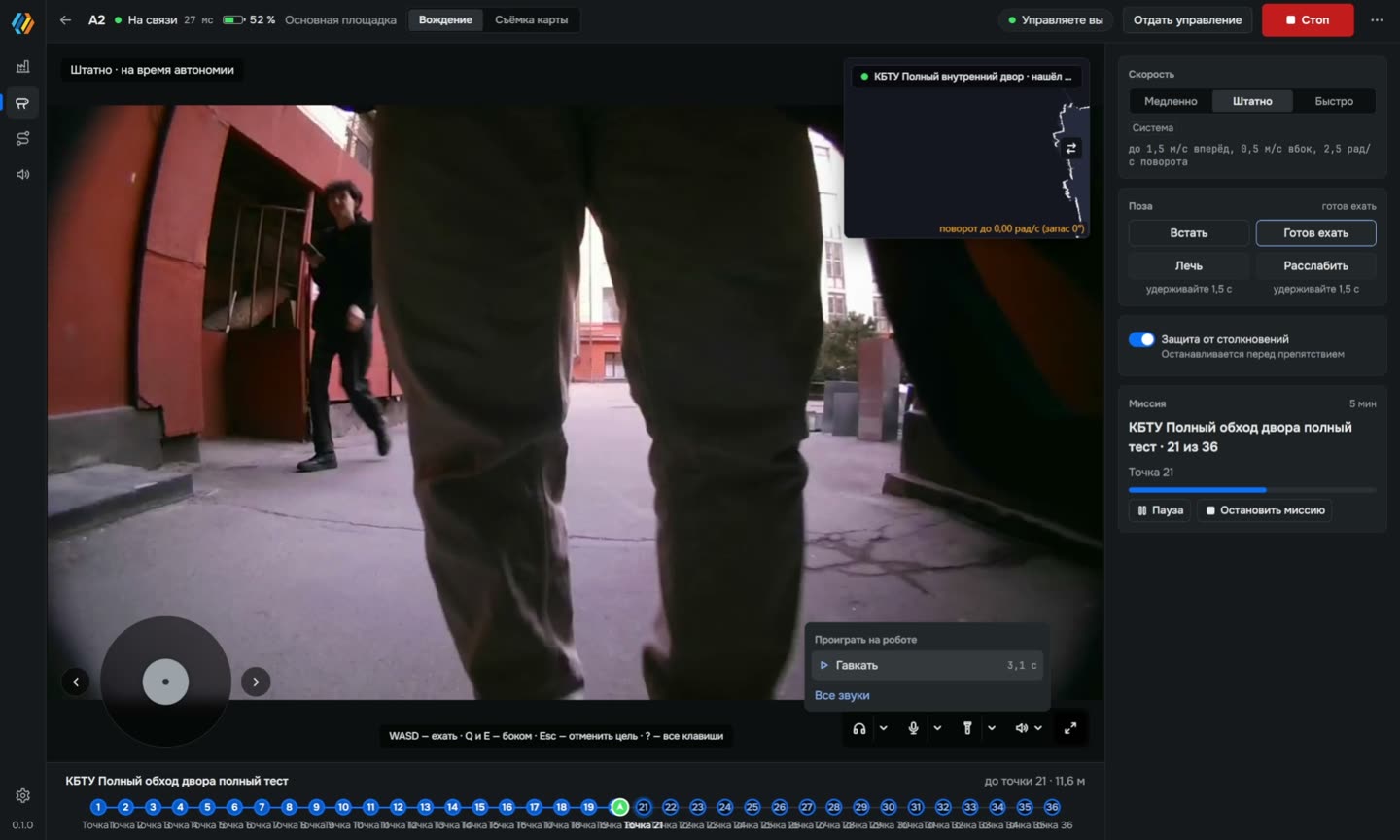
The web panel shows the robot, its camera, the map and the mission. Hover over a number to highlight its explanation.
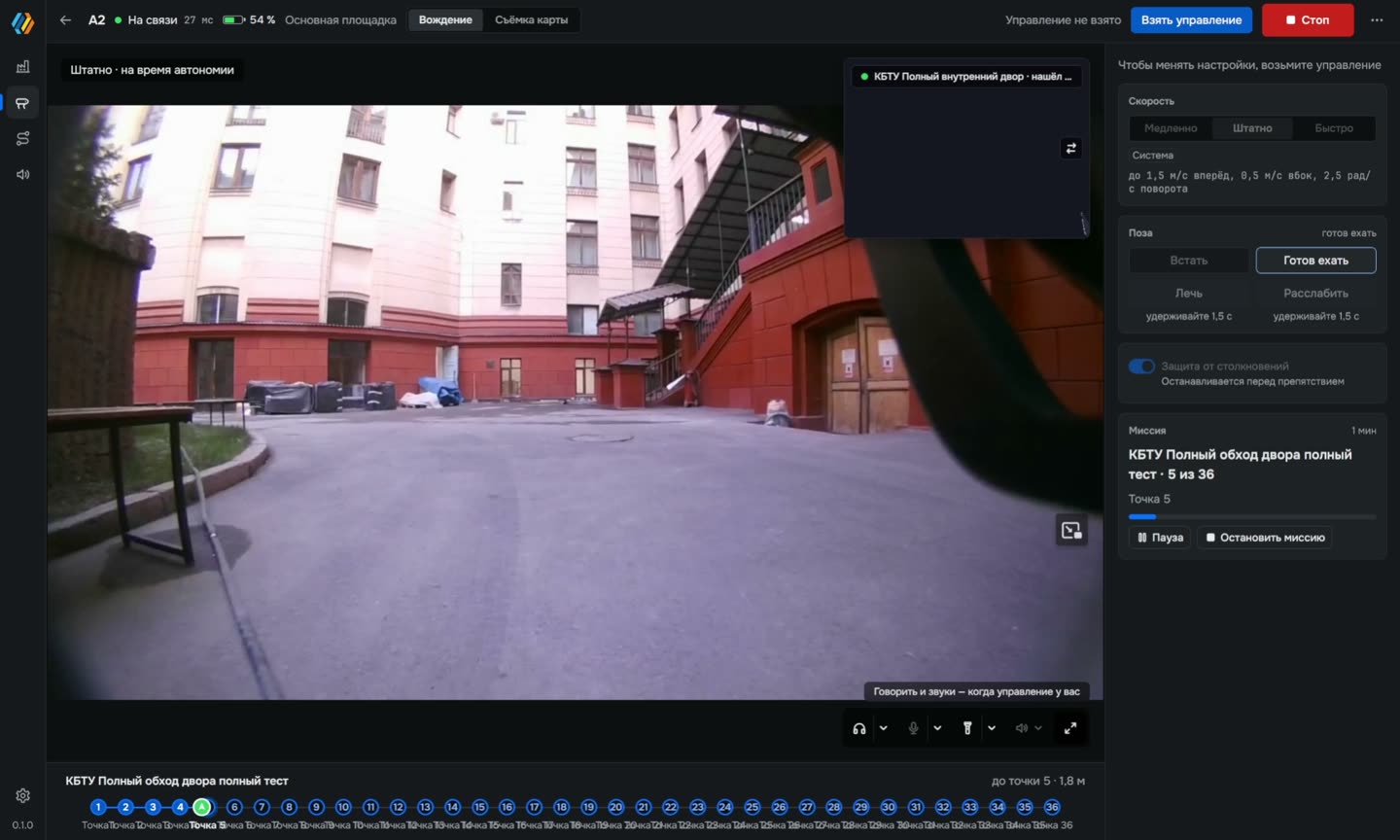
- 1Link and chargeRobot “A2” online, latency 11–29 ms, battery 54 %, site “Main”.
- 2Two modes“Drive” — drive and run missions; “Map capture” — build a new map.
- 3Take control · StopTake the robot over from a mission or stop it with a single red button.
- 4CameraWide-angle front camera; the button ⇄ swaps it with the map.
- 5Mini-mapWhere the robot is on the site map and where it is heading.
- 6SpeedSlow · Normal · Fast. “Normal” — up to 1.5 m/s forward, 0.5 m/s sideways, 2.5 rad/s turning.
- 7PoseStand, “Ready to drive”, Lie down and Relax — hold the last two for 1.5 s to avoid pressing them by accident.
- 8Collision avoidanceOn: the robot stops before an obstacle.
- 9MissionName, “N of 36”, progress bar, Pause and “Stop mission”.
- 10Voice and soundsHeadphones, microphone, on-robot sounds — available when you have control.
- 11Waypoint listAll 36 route waypoints and how many metres to the next.
The site is alive — the robot adapts
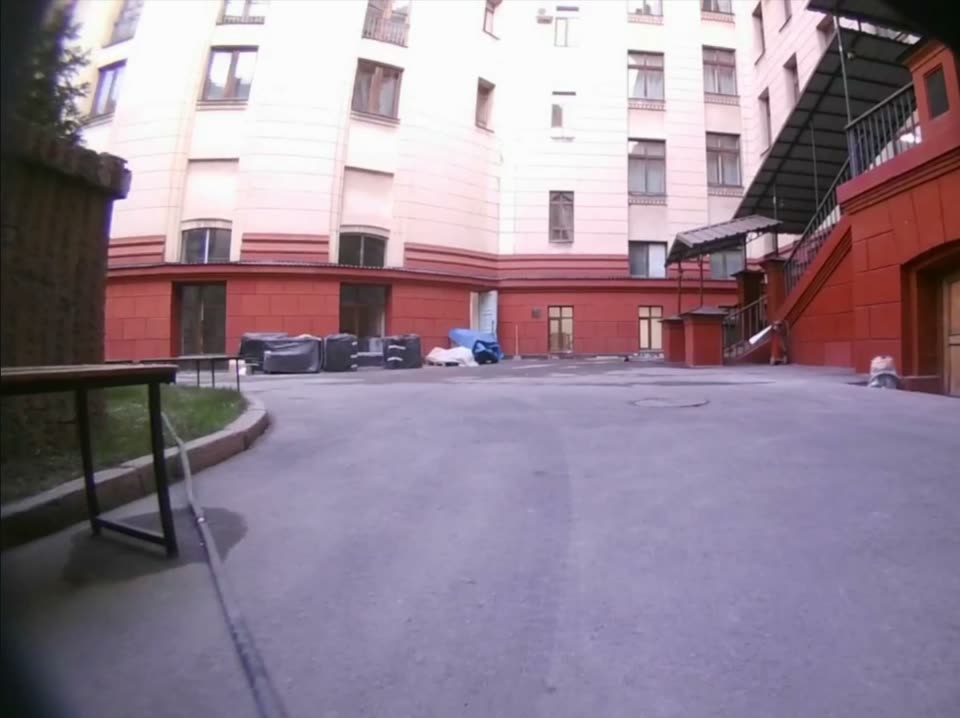
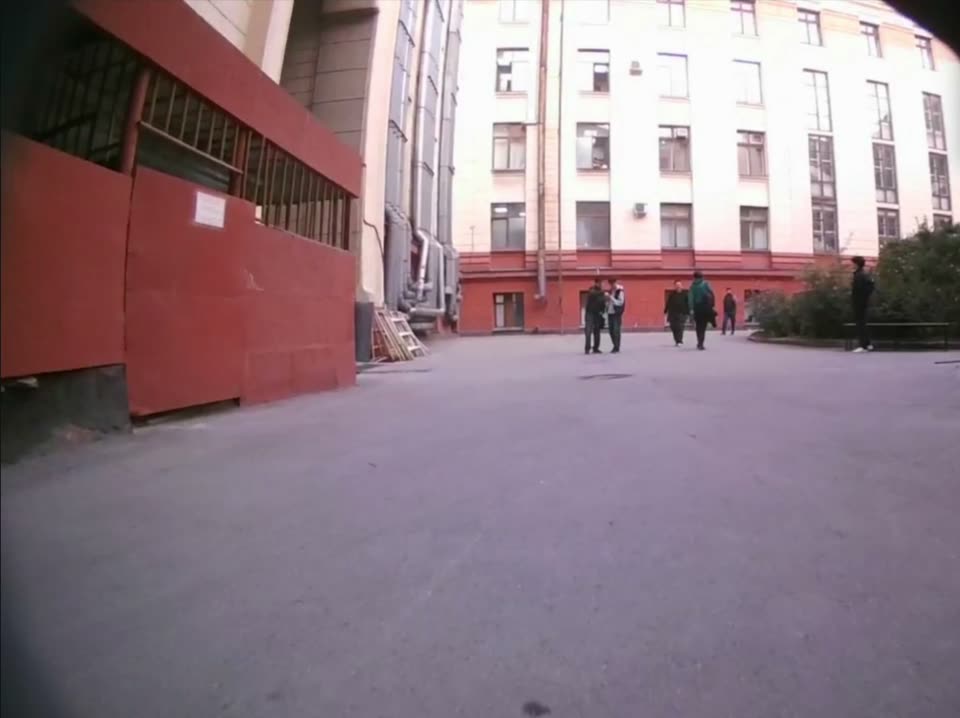
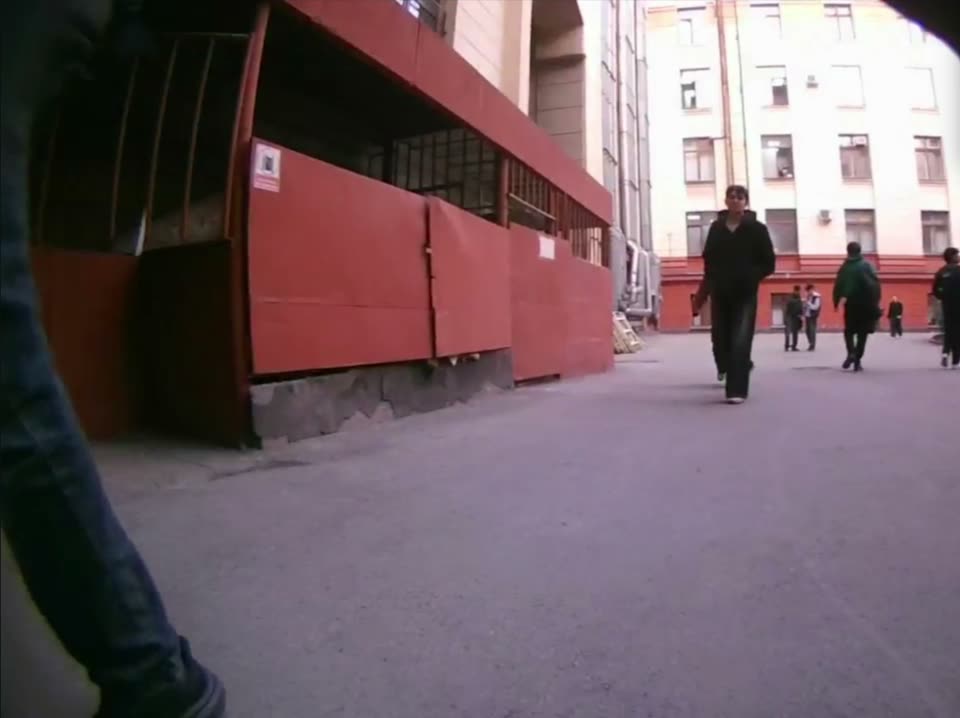
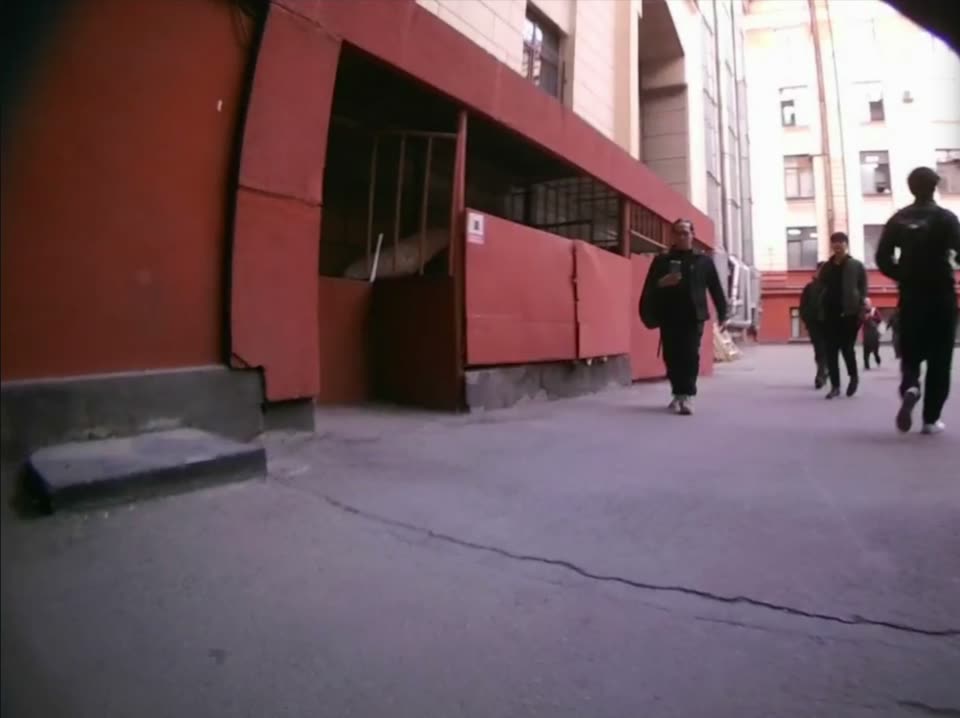
The test ran by day with students walking around, as it would in a park or airport. The robot did not abort the mission because of people: it braked, waited or steered around and carried on.
| Speed | Forward | Sideways | Turn | Where it is needed |
|---|---|---|---|---|
| Slow | up to 0.5 m/s | 0.3 m/s | 0.5 rad/s | tight passages and crowded places |
| Normal | up to 1.5 m/s | 0.5 m/s | 2.5 rad/s | autonomous mission across the site (“Normal · during autonomy”) |
| Fast | not enabled in this test | long open stretches | ||
The operator can take over at any moment
The mission runs by itself, but the human is always in charge: “Take control” — and the robot obeys the joystick; “Hand back control” — and the mission continues from the same place.
Patrol voice
When the operator has control, they can speak through the robot's microphone and play sounds, such as barking. For a patrol dog this is a way to address people without approaching in person.
Target on the map
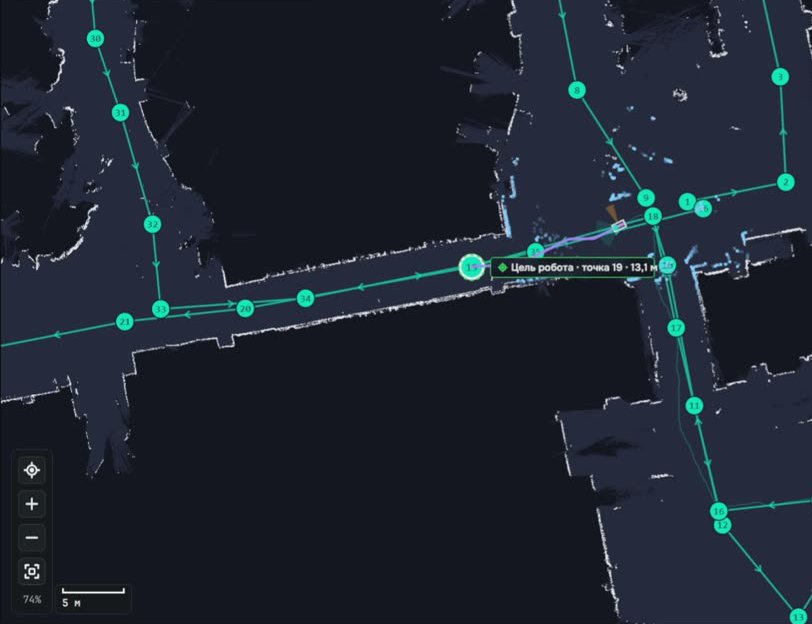
Without a mission, the operator sets a target by clicking the map. During a mission the panel blocks this: “Stop the mission first”.
Gallery
Frames from the screen recording. Click to enlarge.